Instalar
Install
RecomendadoRecommended
Desde el repositorio oficial de Kodi
From the official Kodi repository
QuickSync está publicado en el repositorio oficial de add-ons de Kodi. No hace falta descargar nada ni activar fuentes desconocidas, y las actualizaciones llegan solas.
QuickSync is published in the official Kodi add-on repository. No downloads, no unknown sources, and updates arrive automatically.
-
En Kodi, ve a Add-ons y abre el icono de la caja (Explorador de add-ons).
In Kodi, go to Add-ons and open the box icon (Add-on browser).
-
Elige Instalar desde repositorio → Kodi Add-on repository → Complementos de programa.
Choose Install from repository → Kodi Add-on repository → Program add-ons.
-
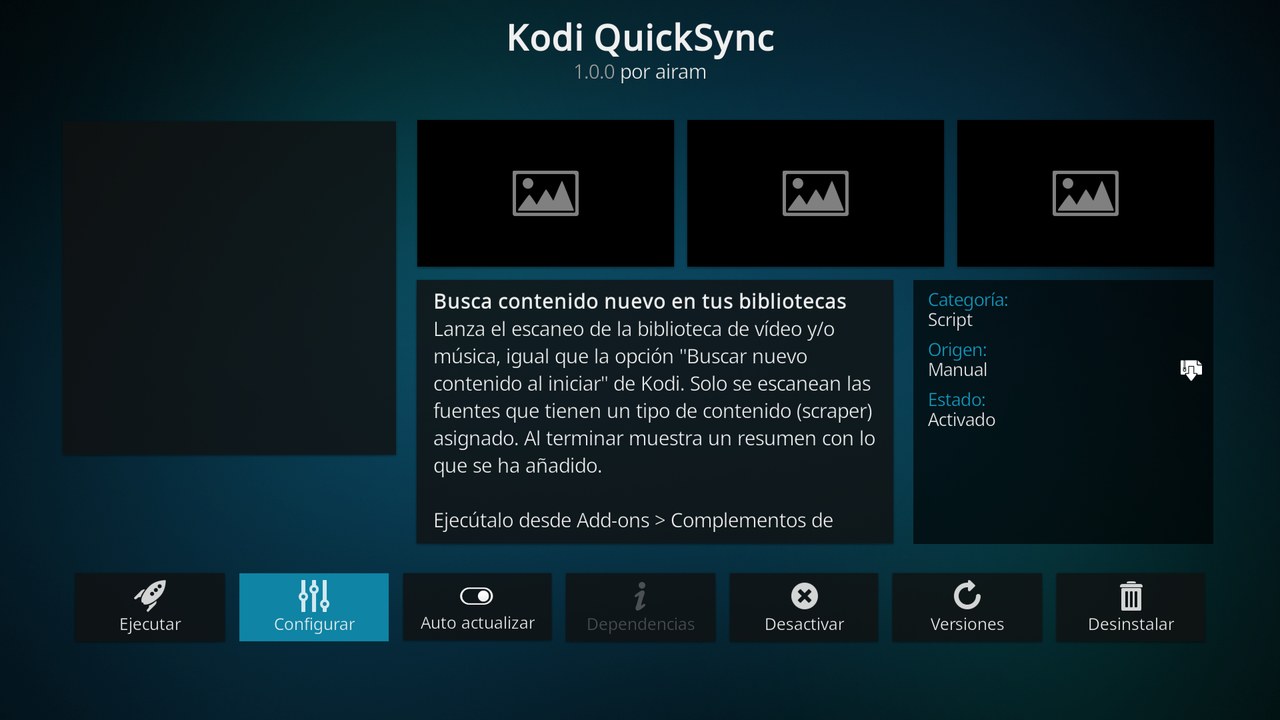
Selecciona QuickSync y pulsa Instalar.
Select QuickSync and press Install.
-
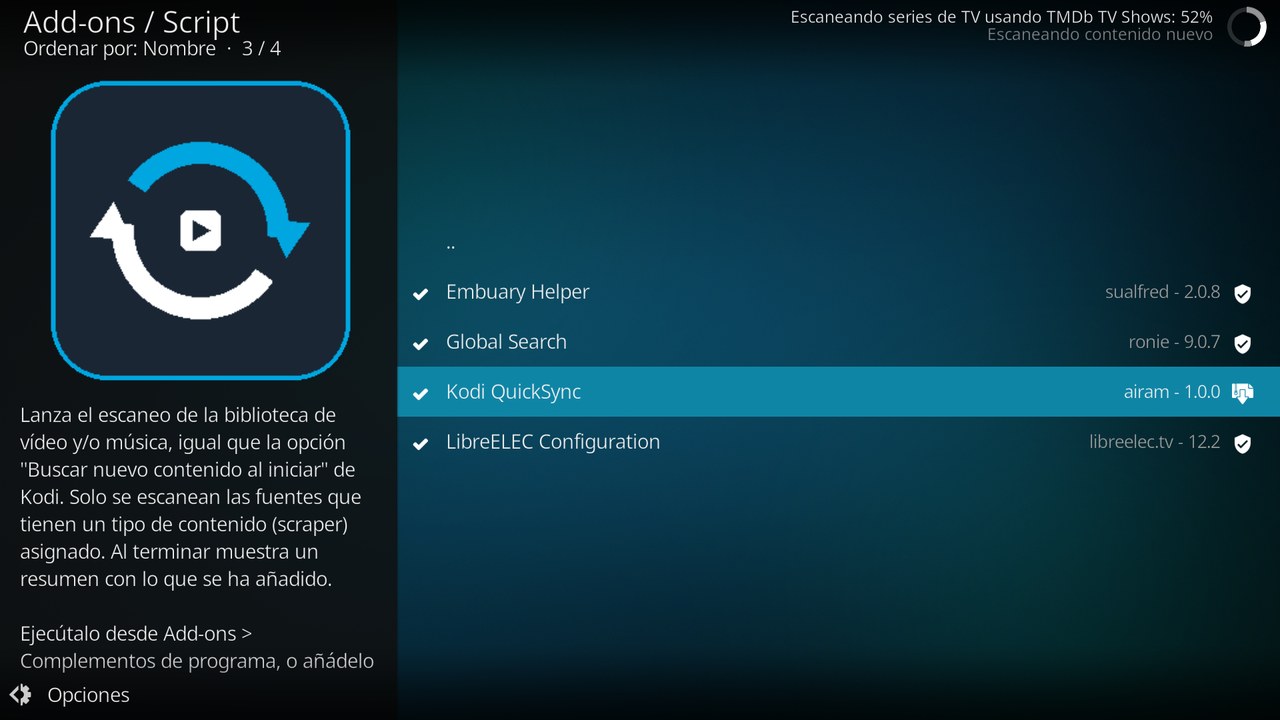
Lánzalo desde Add-ons → Complementos de programa → QuickSync.
Run it from Add-ons → Program add-ons → QuickSync.
¿No aparece? Busca «QuickSync» con la opción Buscar del explorador de add-ons, o fuerza la actualización del repositorio desde su menú contextual (Buscar actualizaciones).
Not showing up? Search for “QuickSync” with the add-on browser's Search option, or refresh the repository from its context menu (Check for updates).
AlternativaAlternative
Desde un archivo ZIP
From a ZIP file
Útil sin conexión a Internet en el dispositivo o para probar una versión concreta.
Handy when the device is offline or to try a specific version.
-
Descarga el ZIP de la última versión (
script.program.quicksync-<versión>.zip). Todas las versiones están en la página de versiones.
Download the ZIP from the latest release (script.program.quicksync-<version>.zip). Every version is on the releases page.
-
En Kodi, activa Ajustes → Sistema → Add-ons → Fuentes desconocidas si aún no lo has hecho.
In Kodi, enable Settings → System → Add-ons → Unknown sources if you haven't already.
-
Ve a Add-ons → Instalar desde un archivo ZIP y elige el fichero descargado.
Go to Add-ons → Install from zip file and pick the downloaded file.
Si quieres actualizaciones automáticas, mejor instálalo desde el repositorio oficial.
If you want automatic updates, install it from the official repository instead.
Requiere Kodi 20 (Nexus) o posterior. Funciona en cualquier plataforma de Kodi: LibreELEC, Android TV, Windows, Linux, macOS…
Requires Kodi 20 (Nexus) or later. Works on any Kodi platform: LibreELEC, Android TV, Windows, Linux, macOS…
Lanzarlo desde otros sitios
Launching it from elsewhere
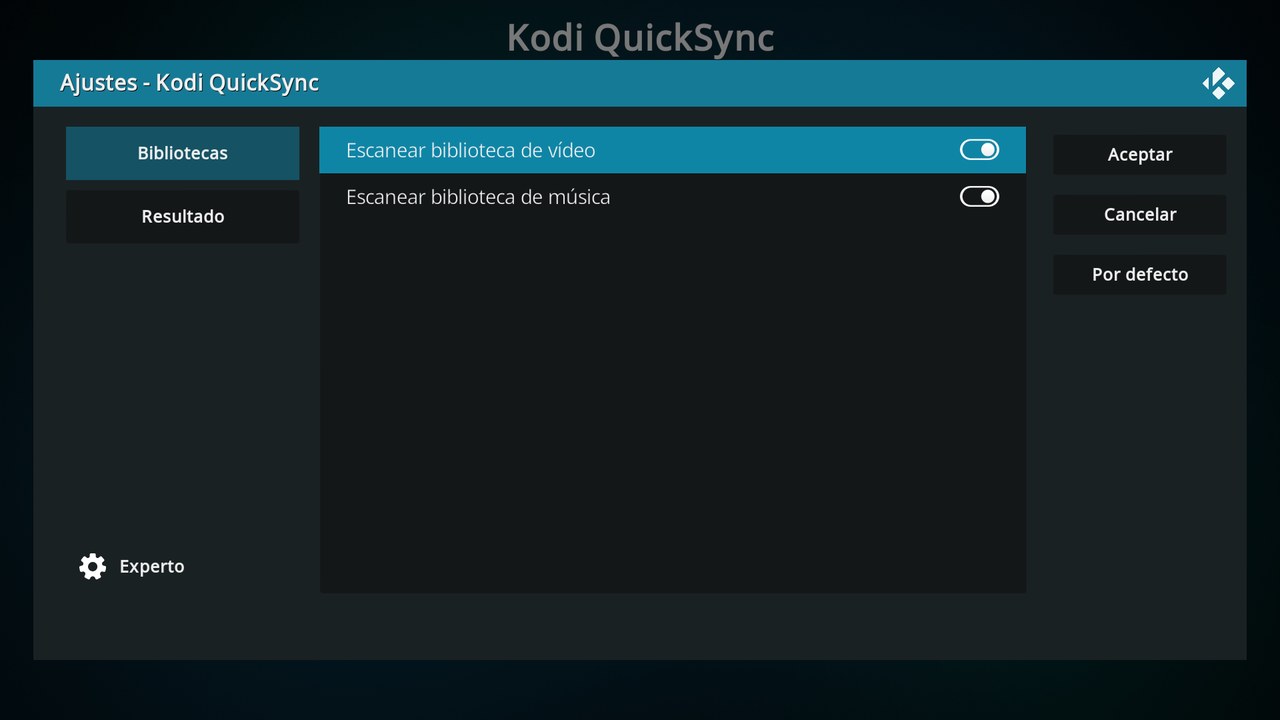
Las opciones van como clave=valor y, solo para esa ejecución, mandan sobre los ajustes:
Options are passed as key=value and override the settings for that run only:
| OpciónOption |
ValoresValues |
Por defectoDefault |
report |
dialog (ventana de resumen), notification (un aviso), none (nada en pantalla)dialog (summary window), notification (a toast), none (nothing on screen) |
Según Mostrar resumen al terminarFrom Show summary when finished |
library |
video, music, pictures, all |
Según los ajustes de BibliotecasFrom the Libraries settings |
Desde un skin, un favorito, un atajo o un add-on
From a skin, a favourite, a keymap or an add-on
RunScript(script.program.quicksync,report=none,library=video)
Por JSON-RPC (una web, una app del móvil…)
Through JSON-RPC (a web page, a phone app…)
{"jsonrpc": "2.0", "id": 1, "method": "Addons.ExecuteAddon",
 "params": {"addonid": "script.program.quicksync",
            "params": ["report=none", "library=video"]}}
Si ya hay un escaneo en marcha, lanzarlo otra vez no hace nada (con report=none, ni siquiera avisa).
If a scan is already running, a new launch does nothing (with report=none, not even a notification).
Avisos
Notifications
El add-on anuncia su progreso con JSONRPC.NotifyAll, enviado por script.program.quicksync. Los clientes JSON-RPC reciben Other.OnScanStarted y Other.OnScanFinished; los add-ons de servicio, en xbmc.Monitor.onNotification(sender, method, data). Al terminar llega algo así:
The add-on announces its progress with JSONRPC.NotifyAll, sent by script.program.quicksync. JSON-RPC clients receive Other.OnScanStarted and Other.OnScanFinished; service add-ons get them in xbmc.Monitor.onNotification(sender, method, data). When it finishes, you get something like:
{"status": "done", "libraries": ["video"], "new": 3,
 "added": {"movies": 2, "tvshows": 0, "episodes": 1}}
OnScanStarted lleva {"libraries": [...]}. Si no hay ninguna biblioteca seleccionada, OnScanFinished lleva {"status": "nothing-selected"}.
OnScanStarted carries {"libraries": [...]}. When no library is selected, OnScanFinished carries {"status": "nothing-selected"}.